Two major VPN providers add app-level split tunneling to Windows clients
ProtonVPN and NordVPN have updated their desktop clients to offer granular control over traffic routing, allowing users to keep specific programs outside the encrypted tunnel to reduce latency and preserve local connectivity.
By Alexander Novak ·
Virtual private network software has long provided a blanket layer of encryption for internet traffic, but that uniform protection often forces users to accept slower connection speeds or obscured geographic locations. A shift in desktop client design now offers a more granular alternative for Windows users who want to balance security with performance.
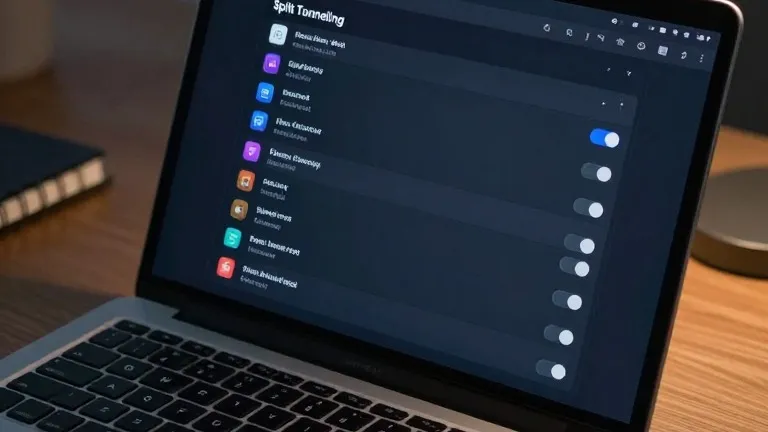
ProtonVPN and NordVPN have integrated split tunneling features into their Windows applications, giving users direct control over which programs access the internet through the encrypted tunnel. This functionality allows specific apps to bypass the VPN entirely while others remain protected, eliminating the need to toggle the service on and off repeatedly.
The primary driver for this feature is the trade-off between privacy and speed. Encrypting all traffic can introduce latency, a drawback that is particularly noticeable during online gaming or video streaming. By routing game clients or media players directly to the internet, users can maintain lower ping times. The feature also preserves local context for applications that rely on the user's actual physical location, such as ticketing platforms or weather services that might otherwise display data for the VPN server's region.
In the ProtonVPN Windows client, the split tunneling option is located on the right side of the main console. Users can select an inclusion list, where only chosen apps use the VPN, or an exclusion list, where all apps use the VPN except for those specified. The NordVPN interface places the feature under the settings menu, identified by a cog icon in the bottom left corner of the main window. Activating the toggle allows users to designate which applications receive protection.
While app-based routing is the standard for consumer desktop software, other methods exist. URL-based rules allow users to filter traffic by domain name, while route-based and policy-based options rely on IP addresses or complex rule sets. The latter two are less common in personal use and are primarily utilized by administrators managing multiple users.
Mobile platforms handle this feature differently due to operating system constraints. Android devices and desktops offer broad app-level control, but iPhones typically restrict users to excluding specific websites or IP addresses rather than individual applications. For most Windows users, configuring the split tunneling list is a one-time setup task. Once established, the settings persist, keeping encryption active for sensitive applications like banking software while allowing other tools to operate without the overhead of the encrypted bridge.
Source: Wired